🚀 The Ultimate Guide to Fine-Tuning Llama 3: From Couch Potato to AI Master 🍦
Welcome, brave explorer of the digital frontier! If you’ve ever used Meta’s Llama 3 and thought, "This is great, but I wish it talked more like a 1920s noir detective," or "I need this to understand my company’s very specific, very boring legal jargon," then you are in the right place.
Today, we are going to dive into the world of Fine-Tuning. Now, don't let that term scare you. In the past, fine-tuning an AI was like trying to perform brain surgery with a pair of chopsticks while riding a unicycle. But thanks to LLM-fine-tuner, it’s now more like following a recipe for a really good lasagna. Let's get cooking! 👨🍳
🧠 1. What is Fine-Tuning Anyway? (The "Chef" Analogy)
Imagine Llama 3 is a world-class chef. He knows how to cook almost everything—French, Thai, Italian, you name it. But he doesn't know your grandmother’s secret meatball recipe. 🍝
Fine-tuning is the process of taking that world-class chef and giving him a weekend intensive course on your grandma's kitchen. You aren't teaching him how to cook from scratch; you're just teaching him your specific tastes and "vibe."
🛠️ 2. Introducing Your New Best Friend: LLM-fine-tuner
If you head over to Yog-Sotho's GitHub, you'll find a tool that is essentially a "cheat code" for AI enthusiasts. 🎮
Most fine-tuning processes require writing hundreds of lines of complex Python code. LLM-fine-tuner acts as a user-friendly wrapper. It uses a technology called Unsloth, which makes the whole process 2x faster and uses 70% less memory. It’s the difference between driving a tractor and a Ferrari. 🏎️
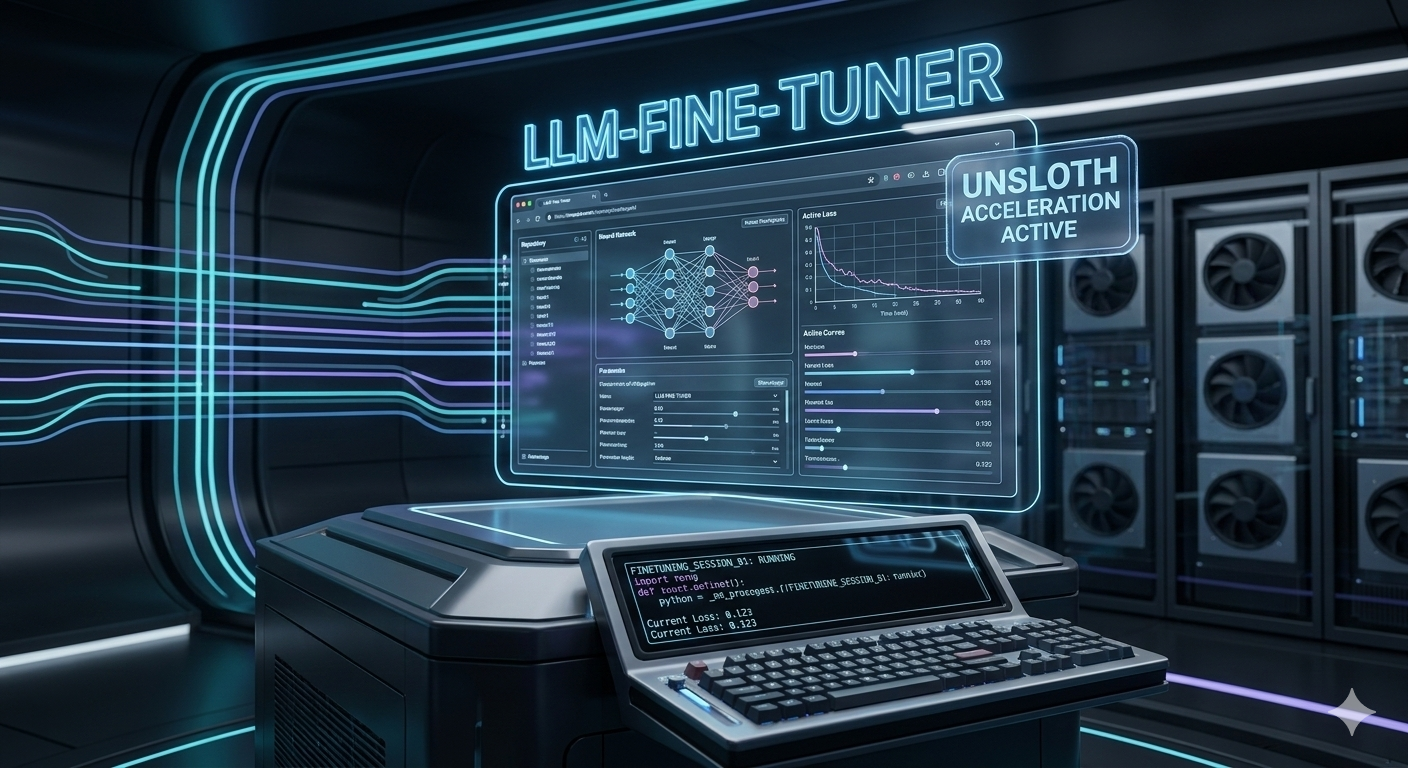
> The Command Center: The LLM-fine-tuner interface simplifies complex data streams into a manageable dashboard. It looks like something out of a sci-fi movie, but it's actually just making your life easier.
📋 3. The Ingredients: What You’ll Need
You can't bake a cake without flour, and you can't tune an LLM without data. Here is your shopping list:
* A Computer (or a Cloud Account): You need an NVIDIA GPU. If you don't have one, use Google Colab or RunPod.
* A Dataset: A list of examples of how you want the AI to behave (e.g., Question -> Answer).
* The LLM-fine-tuner Tool: We’ll install this in a second.
* Patience: Even with acceleration, the computer needs a little time to "think." Maybe go for a walk? Or watch a 10-hour loop of a spinning taco? 🌮
🧪 4. Step 1: Setting Up the Laboratory
First, we need to get the tool onto your machine. Open your terminal (that black window where you type commands that makes you look like a hacker in a movie). 🕵️♂️
git clone https://github.com/Yog-Sotho/LLM-fine-tuner.git
cd LLM-fine-tuner
pip install -r requirements.txt
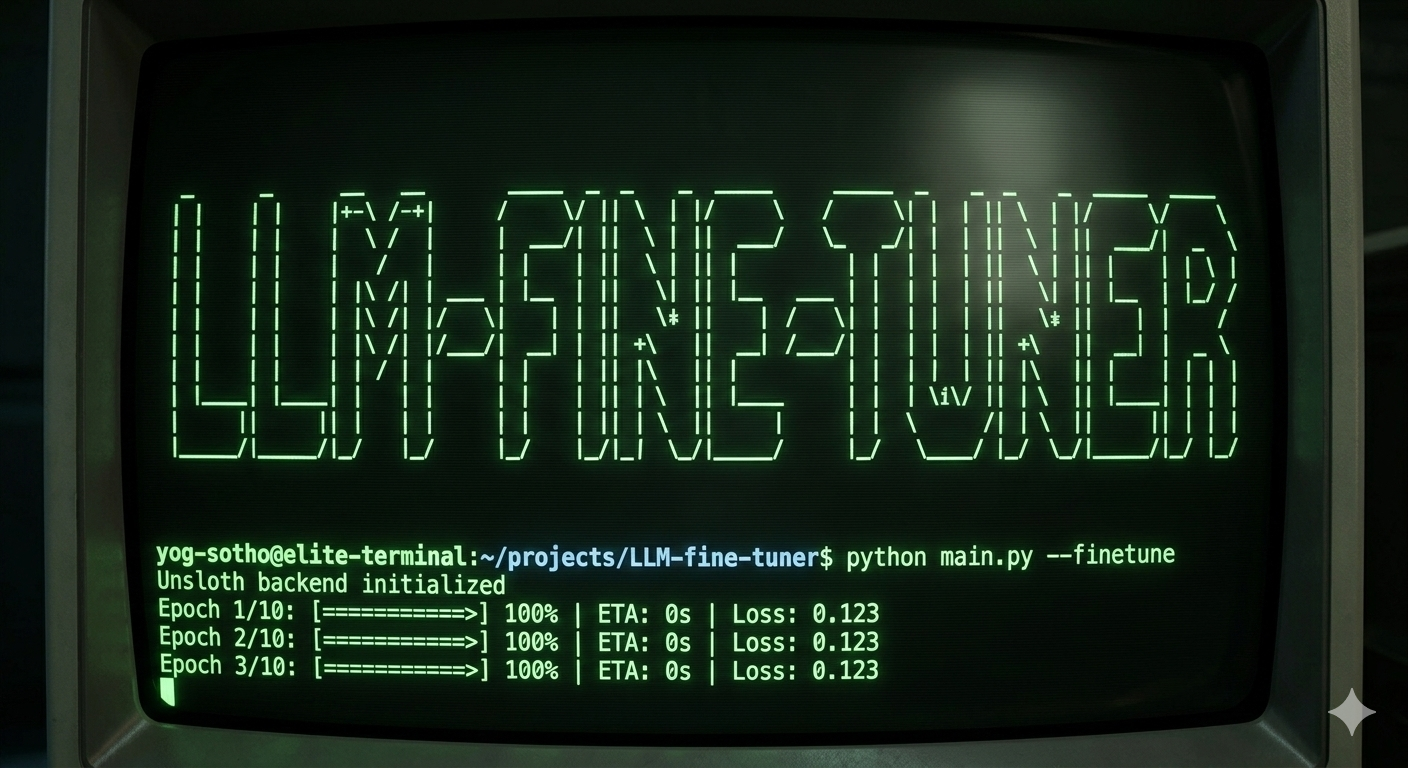
> The Matrix Begins: Don't let the green text scare you! This retro-style terminal shows your progress as the LLM-fine-tuner prepares the environment. If it's moving, it's working!
🥫 5. Step 2: Preparing Your Data (The Secret Sauce)
This is the most important part. If you give the AI garbage data, it will give you garbage results. This is known in the industry as GIGO (Garbage In, Garbage Out). 🗑️
Your data should be in a .jsonl format. It looks like this:
{"instruction": "How do I deal with a flat tire?", "output": "First, find a safe spot to pull over. Then, get the jack..."}
{"instruction": "What is the best pizza topping?", "output": "Pineapple. (Just kidding, please don't delete me!)"}
LLM-fine-tuner is smart. It takes this file and formats it so Llama 3 can "eat" it properly. You just need to tell the tool where the file is in your config.yaml.
🔨 6. Step 3: The Digital Forge
Once you hit "Start," the "Forge" opens. This is where the actual math happens. The tool will show you a Loss Curve. 📈
Non-technical translation: The "Loss" is a score of how many mistakes the AI is making.
* Loss is high: The AI is basically guessing.
* Loss is going down: The AI is learning! 🧠✨
* Loss is zero: You probably broke something or the AI has just memorized your text like a parrot (we call this overfitting).
> Forging Knowledge: This image shows a robotic arm using a laser to "weld" new knowledge onto the existing neural framework of Llama 3. It's high-tech blacksmithing!
🐌🚀 7. Step 4: Engaging the Rocket Sloth (Unsloth)
Normally, training a model is slow. Like, "waiting for your parents to figure out how to use Zoom" slow. However, this tool integrates Unsloth.
Why is it called Unsloth? Because sloths are slow, and this is... un-slow. (Groundbreaking logic, I know). It optimizes the math behind the scenes so your GPU doesn't catch fire. 🔥
> The Need for Speed: When "Unsloth Acceleration" is active, your fine-tuning process goes from a crawl to a supersonic flight. Look at that sloth go!
😈 8. Advanced: Heretic Mode
Now, for those who like to live on the edge, the LLM-fine-tuner includes something called Heretic Mode. 🐙
Usually, AI models have very strict "guardrails." They are programmed to be extremely polite and sometimes a bit... vanilla. Heretic Mode is designed for researchers and creative writers who want to bypass certain limitations to write gritty villains, dark fantasy, or just more "human" characters.
> The Heretic: Our friendly one-eyed octopus is here to help you break the rules. When this mode is ON, the model explores unconventional patterns of thought. Use it wisely!
📦 9. Step 5: Testing and Exporting
Once the training is done (it might take 30 minutes, it might take 4 hours), you have a "new" Llama 3! 🎊
The tool lets you:
* Chat with it: See if it actually learned anything.
* Export to GGUF: This lets you run your AI on your laptop using apps like LM Studio or Ollama.
* Quantize: This is a fancy word for "making the file smaller" so it fits on your phone or a toaster. (Okay, maybe not a toaster).
Example of a success:
* Original Llama 3: "I can help you write a poem about flowers."
* Your Fine-Tuned Llama 3: "Roses are red, violets are blue, I'm a specialized AI, and I'm smarter than you." (A bit sassy, but it works!) 💁♀️
🏁 10. Conclusion: You are now an AI Whisperer!
Congratulations! You’ve just navigated the complex world of Large Language Model fine-tuning without your brain leaking out of your ears. By using LLM-fine-tuner, you’ve skipped the PhD and gone straight to the fun part: Building stuff. 🛠️
Quick Recap:
* Quality Data = Quality AI. Don't be lazy with your JSONL files!
* Watch the Loss: If the curve goes up, something is very wrong.
* Use the Sloth: Unsloth is your best friend for saving time.
Now, go forth and build something amazing. Whether it's a bot that writes sea shanties or a professional legal assistant, the power of Llama 3 is now truly in your hands. 🧙♂️✨
Happy Tuning! 🚀✨
For more detailed technical docs, troubleshooting, and community support, visit the LLM-fine-tuner GitHub Repository. Don't forget to star the repo if you find it useful! ⭐
Yog-Sotho
 🚀 The Ultimate Guide to Fine-Tuning Llama 3: From Couch Potato to AI Master 🍦
Welcome, brave explorer of the digital frontier! If you’ve ever used Meta’s Llama 3 and thought, "This is great, but I wish it talked more like a 1920s noir detective," or "I need this to understand my company’s very specific, very boring legal jargon," then you are in the right place.
Today, we are going to dive into the world of Fine-Tuning. Now, don't let that term scare you. In the past, fine-tuning an AI was like trying to perform brain surgery with a pair of chopsticks while riding a unicycle. But thanks to LLM-fine-tuner, it’s now more like following a recipe for a really good lasagna. Let's get cooking! 👨🍳
🧠 1. What is Fine-Tuning Anyway? (The "Chef" Analogy)
Imagine Llama 3 is a world-class chef. He knows how to cook almost everything—French, Thai, Italian, you name it. But he doesn't know your grandmother’s secret meatball recipe. 🍝
Fine-tuning is the process of taking that world-class chef and giving him a weekend intensive course on your grandma's kitchen. You aren't teaching him how to cook from scratch; you're just teaching him your specific tastes and "vibe."
🛠️ 2. Introducing Your New Best Friend: LLM-fine-tuner
If you head over to Yog-Sotho's GitHub, you'll find a tool that is essentially a "cheat code" for AI enthusiasts. 🎮
Most fine-tuning processes require writing hundreds of lines of complex Python code. LLM-fine-tuner acts as a user-friendly wrapper. It uses a technology called Unsloth, which makes the whole process 2x faster and uses 70% less memory. It’s the difference between driving a tractor and a Ferrari. 🏎️
🚀 The Ultimate Guide to Fine-Tuning Llama 3: From Couch Potato to AI Master 🍦
Welcome, brave explorer of the digital frontier! If you’ve ever used Meta’s Llama 3 and thought, "This is great, but I wish it talked more like a 1920s noir detective," or "I need this to understand my company’s very specific, very boring legal jargon," then you are in the right place.
Today, we are going to dive into the world of Fine-Tuning. Now, don't let that term scare you. In the past, fine-tuning an AI was like trying to perform brain surgery with a pair of chopsticks while riding a unicycle. But thanks to LLM-fine-tuner, it’s now more like following a recipe for a really good lasagna. Let's get cooking! 👨🍳
🧠 1. What is Fine-Tuning Anyway? (The "Chef" Analogy)
Imagine Llama 3 is a world-class chef. He knows how to cook almost everything—French, Thai, Italian, you name it. But he doesn't know your grandmother’s secret meatball recipe. 🍝
Fine-tuning is the process of taking that world-class chef and giving him a weekend intensive course on your grandma's kitchen. You aren't teaching him how to cook from scratch; you're just teaching him your specific tastes and "vibe."
🛠️ 2. Introducing Your New Best Friend: LLM-fine-tuner
If you head over to Yog-Sotho's GitHub, you'll find a tool that is essentially a "cheat code" for AI enthusiasts. 🎮
Most fine-tuning processes require writing hundreds of lines of complex Python code. LLM-fine-tuner acts as a user-friendly wrapper. It uses a technology called Unsloth, which makes the whole process 2x faster and uses 70% less memory. It’s the difference between driving a tractor and a Ferrari. 🏎️
 > The Command Center: The LLM-fine-tuner interface simplifies complex data streams into a manageable dashboard. It looks like something out of a sci-fi movie, but it's actually just making your life easier.
📋 3. The Ingredients: What You’ll Need
You can't bake a cake without flour, and you can't tune an LLM without data. Here is your shopping list:
* A Computer (or a Cloud Account): You need an NVIDIA GPU. If you don't have one, use Google Colab or RunPod.
* A Dataset: A list of examples of how you want the AI to behave (e.g., Question -> Answer).
* The LLM-fine-tuner Tool: We’ll install this in a second.
* Patience: Even with acceleration, the computer needs a little time to "think." Maybe go for a walk? Or watch a 10-hour loop of a spinning taco? 🌮
🧪 4. Step 1: Setting Up the Laboratory
First, we need to get the tool onto your machine. Open your terminal (that black window where you type commands that makes you look like a hacker in a movie). 🕵️♂️
git clone https://github.com/Yog-Sotho/LLM-fine-tuner.git
cd LLM-fine-tuner
pip install -r requirements.txt
> The Command Center: The LLM-fine-tuner interface simplifies complex data streams into a manageable dashboard. It looks like something out of a sci-fi movie, but it's actually just making your life easier.
📋 3. The Ingredients: What You’ll Need
You can't bake a cake without flour, and you can't tune an LLM without data. Here is your shopping list:
* A Computer (or a Cloud Account): You need an NVIDIA GPU. If you don't have one, use Google Colab or RunPod.
* A Dataset: A list of examples of how you want the AI to behave (e.g., Question -> Answer).
* The LLM-fine-tuner Tool: We’ll install this in a second.
* Patience: Even with acceleration, the computer needs a little time to "think." Maybe go for a walk? Or watch a 10-hour loop of a spinning taco? 🌮
🧪 4. Step 1: Setting Up the Laboratory
First, we need to get the tool onto your machine. Open your terminal (that black window where you type commands that makes you look like a hacker in a movie). 🕵️♂️
git clone https://github.com/Yog-Sotho/LLM-fine-tuner.git
cd LLM-fine-tuner
pip install -r requirements.txt
 > The Matrix Begins: Don't let the green text scare you! This retro-style terminal shows your progress as the LLM-fine-tuner prepares the environment. If it's moving, it's working!
🥫 5. Step 2: Preparing Your Data (The Secret Sauce)
This is the most important part. If you give the AI garbage data, it will give you garbage results. This is known in the industry as GIGO (Garbage In, Garbage Out). 🗑️
Your data should be in a .jsonl format. It looks like this:
{"instruction": "How do I deal with a flat tire?", "output": "First, find a safe spot to pull over. Then, get the jack..."}
{"instruction": "What is the best pizza topping?", "output": "Pineapple. (Just kidding, please don't delete me!)"}
LLM-fine-tuner is smart. It takes this file and formats it so Llama 3 can "eat" it properly. You just need to tell the tool where the file is in your config.yaml.
🔨 6. Step 3: The Digital Forge
Once you hit "Start," the "Forge" opens. This is where the actual math happens. The tool will show you a Loss Curve. 📈
Non-technical translation: The "Loss" is a score of how many mistakes the AI is making.
* Loss is high: The AI is basically guessing.
* Loss is going down: The AI is learning! 🧠✨
* Loss is zero: You probably broke something or the AI has just memorized your text like a parrot (we call this overfitting).
> The Matrix Begins: Don't let the green text scare you! This retro-style terminal shows your progress as the LLM-fine-tuner prepares the environment. If it's moving, it's working!
🥫 5. Step 2: Preparing Your Data (The Secret Sauce)
This is the most important part. If you give the AI garbage data, it will give you garbage results. This is known in the industry as GIGO (Garbage In, Garbage Out). 🗑️
Your data should be in a .jsonl format. It looks like this:
{"instruction": "How do I deal with a flat tire?", "output": "First, find a safe spot to pull over. Then, get the jack..."}
{"instruction": "What is the best pizza topping?", "output": "Pineapple. (Just kidding, please don't delete me!)"}
LLM-fine-tuner is smart. It takes this file and formats it so Llama 3 can "eat" it properly. You just need to tell the tool where the file is in your config.yaml.
🔨 6. Step 3: The Digital Forge
Once you hit "Start," the "Forge" opens. This is where the actual math happens. The tool will show you a Loss Curve. 📈
Non-technical translation: The "Loss" is a score of how many mistakes the AI is making.
* Loss is high: The AI is basically guessing.
* Loss is going down: The AI is learning! 🧠✨
* Loss is zero: You probably broke something or the AI has just memorized your text like a parrot (we call this overfitting).
 > Forging Knowledge: This image shows a robotic arm using a laser to "weld" new knowledge onto the existing neural framework of Llama 3. It's high-tech blacksmithing!
🐌🚀 7. Step 4: Engaging the Rocket Sloth (Unsloth)
Normally, training a model is slow. Like, "waiting for your parents to figure out how to use Zoom" slow. However, this tool integrates Unsloth.
Why is it called Unsloth? Because sloths are slow, and this is... un-slow. (Groundbreaking logic, I know). It optimizes the math behind the scenes so your GPU doesn't catch fire. 🔥
> Forging Knowledge: This image shows a robotic arm using a laser to "weld" new knowledge onto the existing neural framework of Llama 3. It's high-tech blacksmithing!
🐌🚀 7. Step 4: Engaging the Rocket Sloth (Unsloth)
Normally, training a model is slow. Like, "waiting for your parents to figure out how to use Zoom" slow. However, this tool integrates Unsloth.
Why is it called Unsloth? Because sloths are slow, and this is... un-slow. (Groundbreaking logic, I know). It optimizes the math behind the scenes so your GPU doesn't catch fire. 🔥
 > The Need for Speed: When "Unsloth Acceleration" is active, your fine-tuning process goes from a crawl to a supersonic flight. Look at that sloth go!
😈 8. Advanced: Heretic Mode
Now, for those who like to live on the edge, the LLM-fine-tuner includes something called Heretic Mode. 🐙
Usually, AI models have very strict "guardrails." They are programmed to be extremely polite and sometimes a bit... vanilla. Heretic Mode is designed for researchers and creative writers who want to bypass certain limitations to write gritty villains, dark fantasy, or just more "human" characters.
> The Need for Speed: When "Unsloth Acceleration" is active, your fine-tuning process goes from a crawl to a supersonic flight. Look at that sloth go!
😈 8. Advanced: Heretic Mode
Now, for those who like to live on the edge, the LLM-fine-tuner includes something called Heretic Mode. 🐙
Usually, AI models have very strict "guardrails." They are programmed to be extremely polite and sometimes a bit... vanilla. Heretic Mode is designed for researchers and creative writers who want to bypass certain limitations to write gritty villains, dark fantasy, or just more "human" characters.
 > The Heretic: Our friendly one-eyed octopus is here to help you break the rules. When this mode is ON, the model explores unconventional patterns of thought. Use it wisely!
📦 9. Step 5: Testing and Exporting
Once the training is done (it might take 30 minutes, it might take 4 hours), you have a "new" Llama 3! 🎊
The tool lets you:
* Chat with it: See if it actually learned anything.
* Export to GGUF: This lets you run your AI on your laptop using apps like LM Studio or Ollama.
* Quantize: This is a fancy word for "making the file smaller" so it fits on your phone or a toaster. (Okay, maybe not a toaster).
Example of a success:
* Original Llama 3: "I can help you write a poem about flowers."
* Your Fine-Tuned Llama 3: "Roses are red, violets are blue, I'm a specialized AI, and I'm smarter than you." (A bit sassy, but it works!) 💁♀️
🏁 10. Conclusion: You are now an AI Whisperer!
Congratulations! You’ve just navigated the complex world of Large Language Model fine-tuning without your brain leaking out of your ears. By using LLM-fine-tuner, you’ve skipped the PhD and gone straight to the fun part: Building stuff. 🛠️
Quick Recap:
* Quality Data = Quality AI. Don't be lazy with your JSONL files!
* Watch the Loss: If the curve goes up, something is very wrong.
* Use the Sloth: Unsloth is your best friend for saving time.
Now, go forth and build something amazing. Whether it's a bot that writes sea shanties or a professional legal assistant, the power of Llama 3 is now truly in your hands. 🧙♂️✨
> The Heretic: Our friendly one-eyed octopus is here to help you break the rules. When this mode is ON, the model explores unconventional patterns of thought. Use it wisely!
📦 9. Step 5: Testing and Exporting
Once the training is done (it might take 30 minutes, it might take 4 hours), you have a "new" Llama 3! 🎊
The tool lets you:
* Chat with it: See if it actually learned anything.
* Export to GGUF: This lets you run your AI on your laptop using apps like LM Studio or Ollama.
* Quantize: This is a fancy word for "making the file smaller" so it fits on your phone or a toaster. (Okay, maybe not a toaster).
Example of a success:
* Original Llama 3: "I can help you write a poem about flowers."
* Your Fine-Tuned Llama 3: "Roses are red, violets are blue, I'm a specialized AI, and I'm smarter than you." (A bit sassy, but it works!) 💁♀️
🏁 10. Conclusion: You are now an AI Whisperer!
Congratulations! You’ve just navigated the complex world of Large Language Model fine-tuning without your brain leaking out of your ears. By using LLM-fine-tuner, you’ve skipped the PhD and gone straight to the fun part: Building stuff. 🛠️
Quick Recap:
* Quality Data = Quality AI. Don't be lazy with your JSONL files!
* Watch the Loss: If the curve goes up, something is very wrong.
* Use the Sloth: Unsloth is your best friend for saving time.
Now, go forth and build something amazing. Whether it's a bot that writes sea shanties or a professional legal assistant, the power of Llama 3 is now truly in your hands. 🧙♂️✨
 Happy Tuning! 🚀✨
For more detailed technical docs, troubleshooting, and community support, visit the LLM-fine-tuner GitHub Repository. Don't forget to star the repo if you find it useful! ⭐
Yog-Sotho
Happy Tuning! 🚀✨
For more detailed technical docs, troubleshooting, and community support, visit the LLM-fine-tuner GitHub Repository. Don't forget to star the repo if you find it useful! ⭐
Yog-Sotho